
Recent Articles
-
Right to left (RTL) Bullets
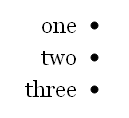
I had the question come up recently about how to do an unordered list (bullets) with text that is Right to Left (vs. Left to Right like in English). The normal layout for my lists now looks like this: one two three If I wanted to have the bullets on the other side I add…
-
How to create a contact page
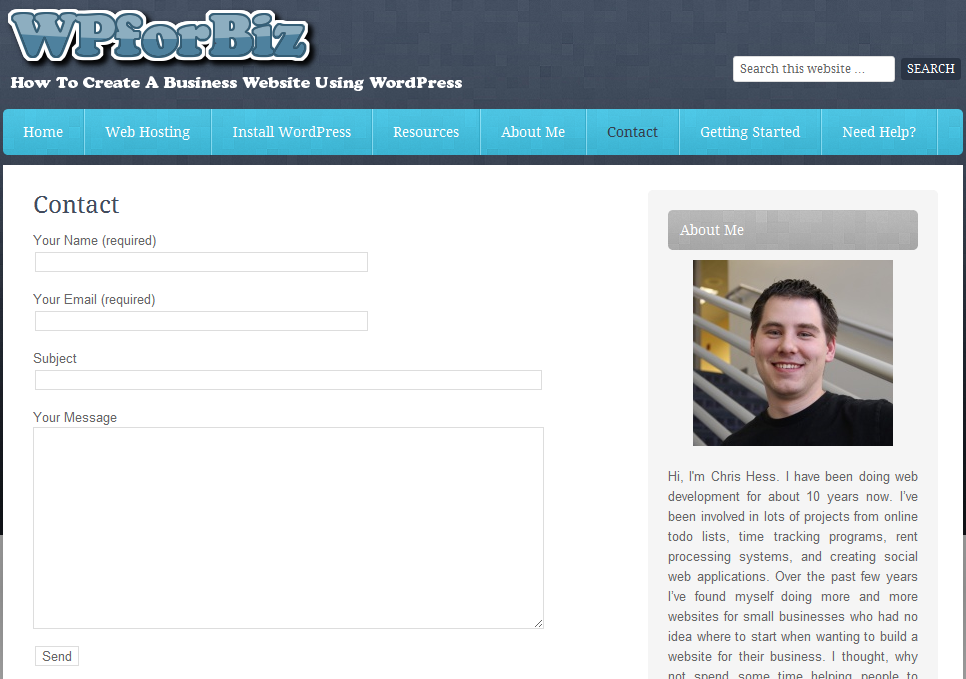
Today, I want to show you how you can easily create a contact page on your website like I did on mine. The first step is to log into your admin panel and create a new page. I usually name this page “Contact”, “Contact Me”, or “Contact Us” depending on your business and how you…
-
How to install a plugin in WordPress
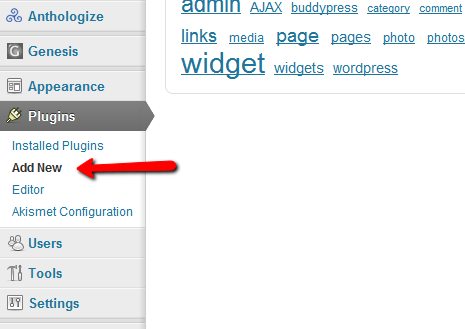
This is a step by step guide to installing a WordPress plugin. Plugins are used to add functionality to your website and could be anything from blocking content spam to creating website forms. Go to the Admin menu and select “Plugins” -> “Add New” If you have downloaded a plugin from somewhere select “upload”. If…
-
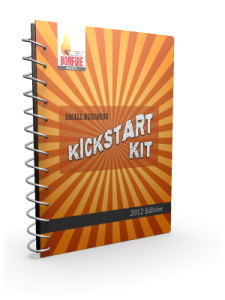
Small Business Kickstart Kit
So you are here because either you have some interest in starting a business or you have a business and you want to create a website for it. I am a memeber of the Small Business Bonfire (join free here). I was recently made aware the Alyssa has created a “Small Business Kickstart Kit” and…
-
WordPress Shopping Cart Plugins
I wanted to let you all know about something I’m working on that will hopefully be out next week. I have had the opportunity over the years to use a handful of shopping cart plugins that integrate into WordPress. Some have been integrated into themes and some have been standalone plugins. Now I’m not going…
-
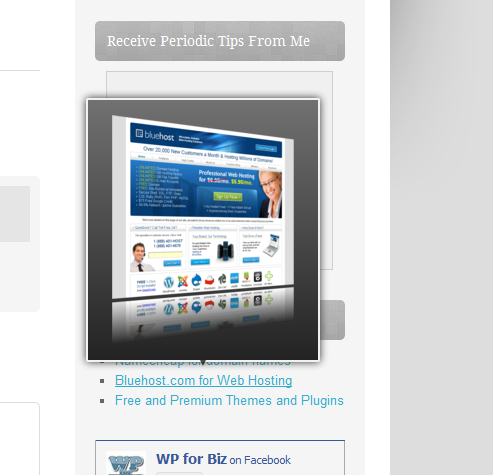
I installed a new plugin, what do you think?
I’ve just installed a new plugin called ThumbSniper. What it does is it pops up a little box on certain links (you can set it to external, all, or even specific links) that shows a preview of the page you will be going to. For instance if I put a link to bluehost when you…
-
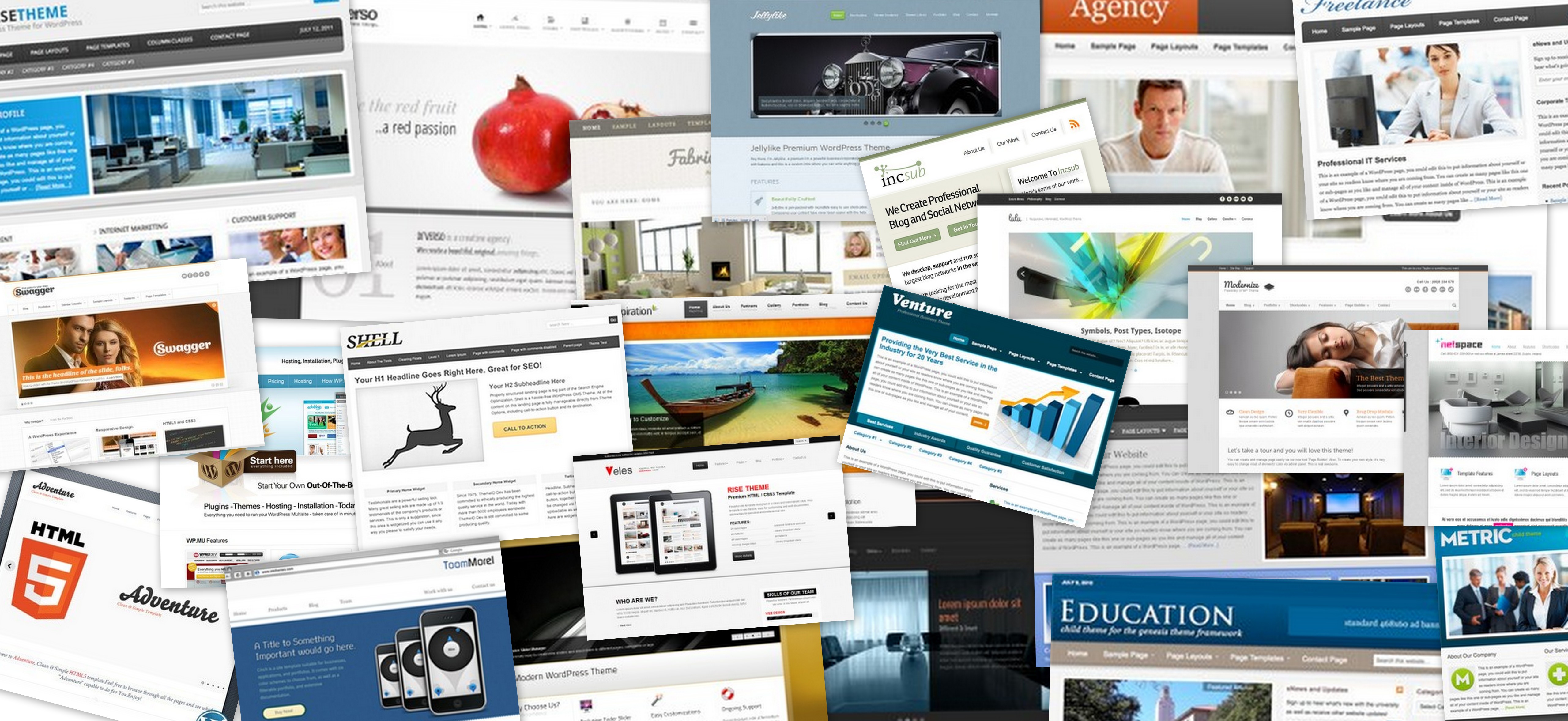
24 Clean Business Templates for WordPress
One of the great benefits of WordPress is the plethora of great themes and templates on the Internet. You can download one of these themes and easily install it on your website and have a professional look without the cost of hiring a designer. I went through a whole bunch of designs from ThemeForest, WordPress.org,…
-
How to add an image to your website
Images make a huge difference for a website. Having an image on a page or a post helps to break up the text and provide visual appeal to the layout. It is often hard to find an image that specifically relates to the information of the page or article that you are talking about. In…
-
WordPress is downloaded a TON!
Pekka over at WPBiz.net recently put some information in front of me that shocked me. In this post he confirmed my suspicion that WordPress really is the top CMS (Content Management System) out there. In his article he pointed to the 2011 Open Source CMS Market Share Report where they made it clear that WordPress is the top. According…
-
The First Plugin I Would Install On Your Website
There is one plugin (ok there are a few) that I install on every WordPress website that I create. I know I haven’t talked much about plugins but this one just saved me a ton of time today so I wanted to just give it a shout-out and point you in that direction in case…
Got any book recommendations?